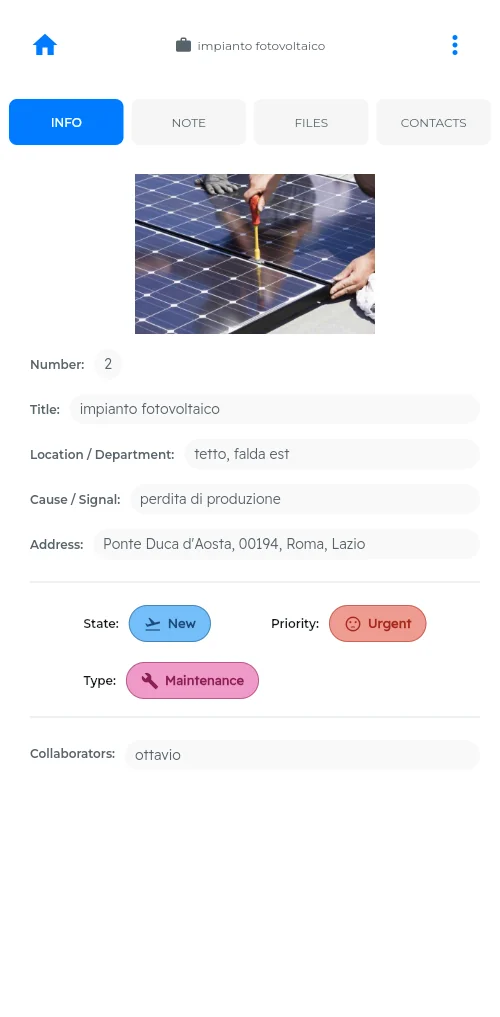
Solar PV system
26/10/2026
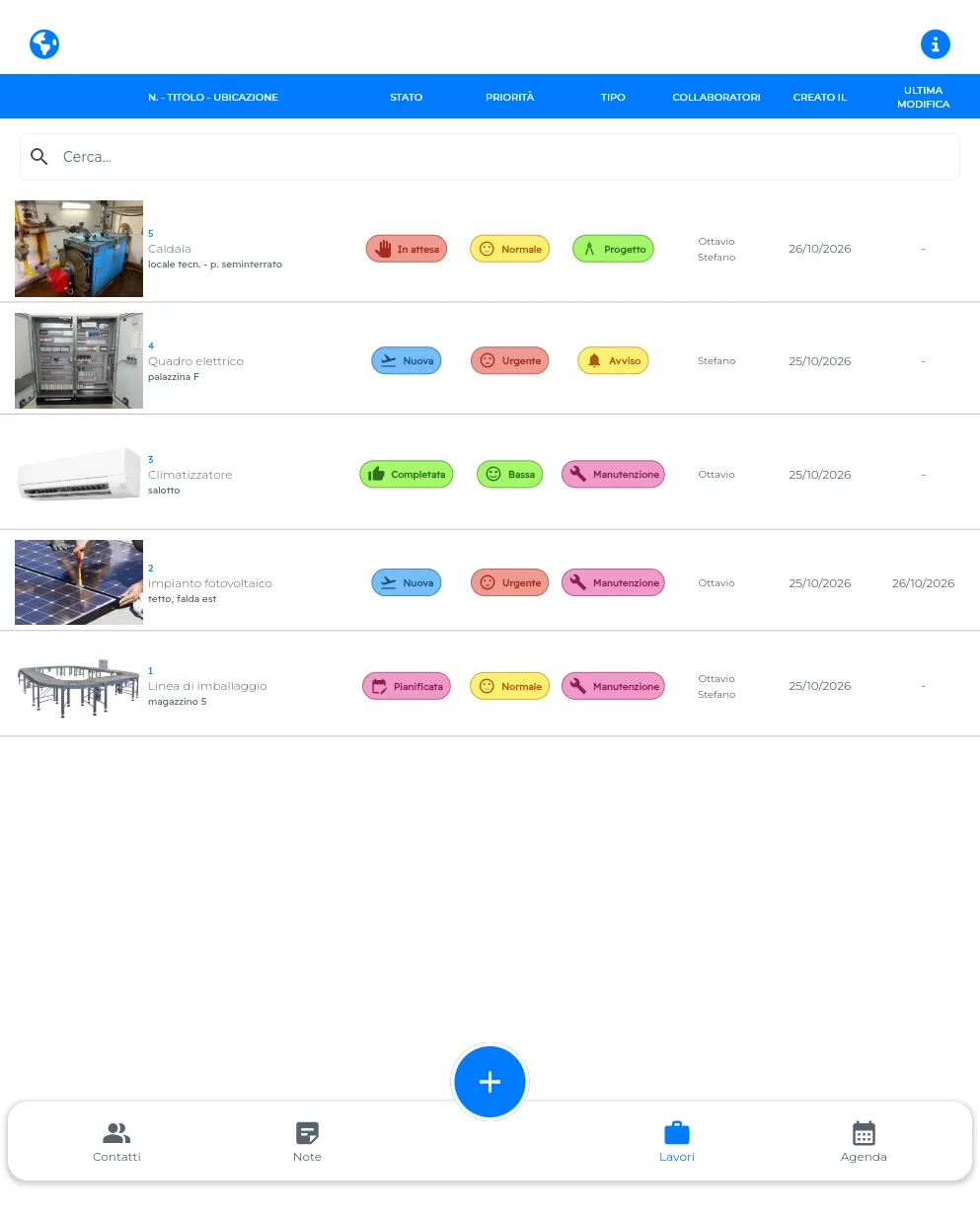
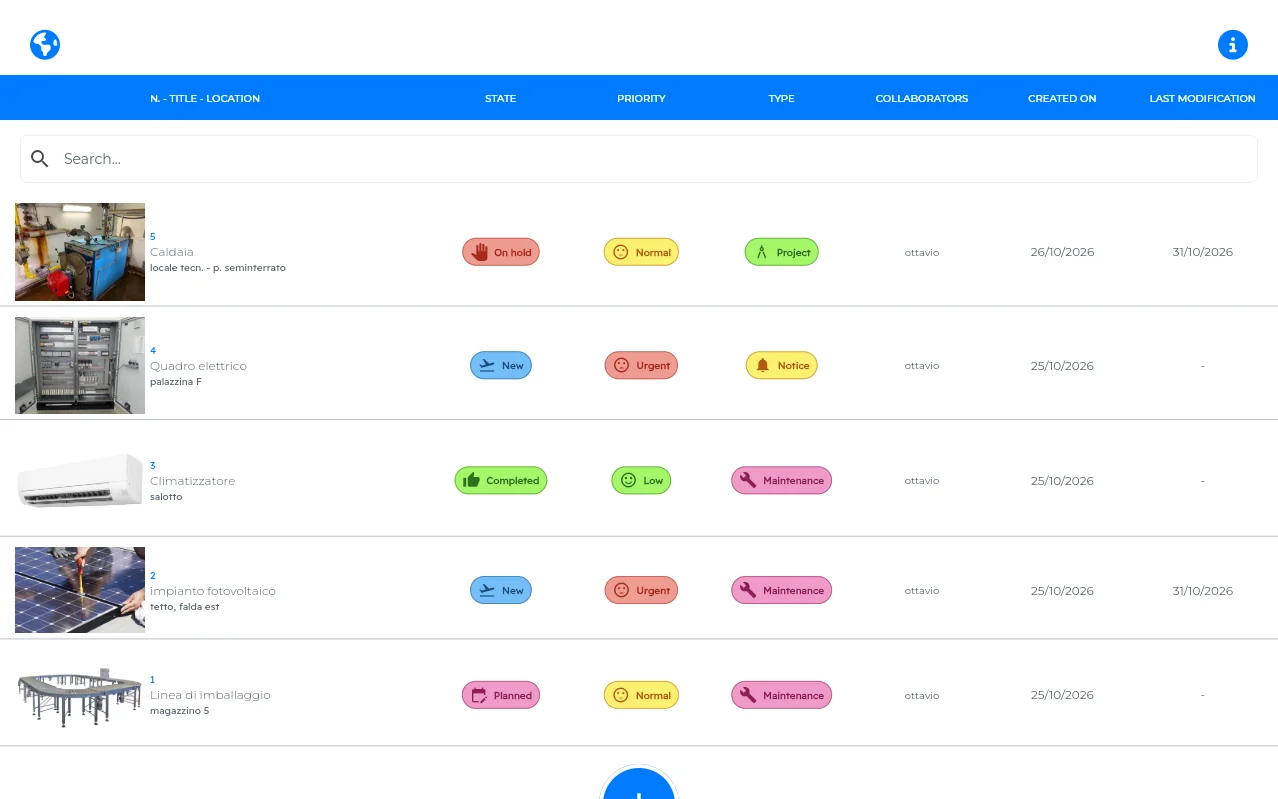
NewUrgentMaintenance
 Maint Note
 is the app for maintenance technicians and companies: jobs, notes with photos and costs, customer signature and PDF report.
Start for freeFree plan at €0. On iPhone, Android and in your browser.


Comes in
In progress
Closed
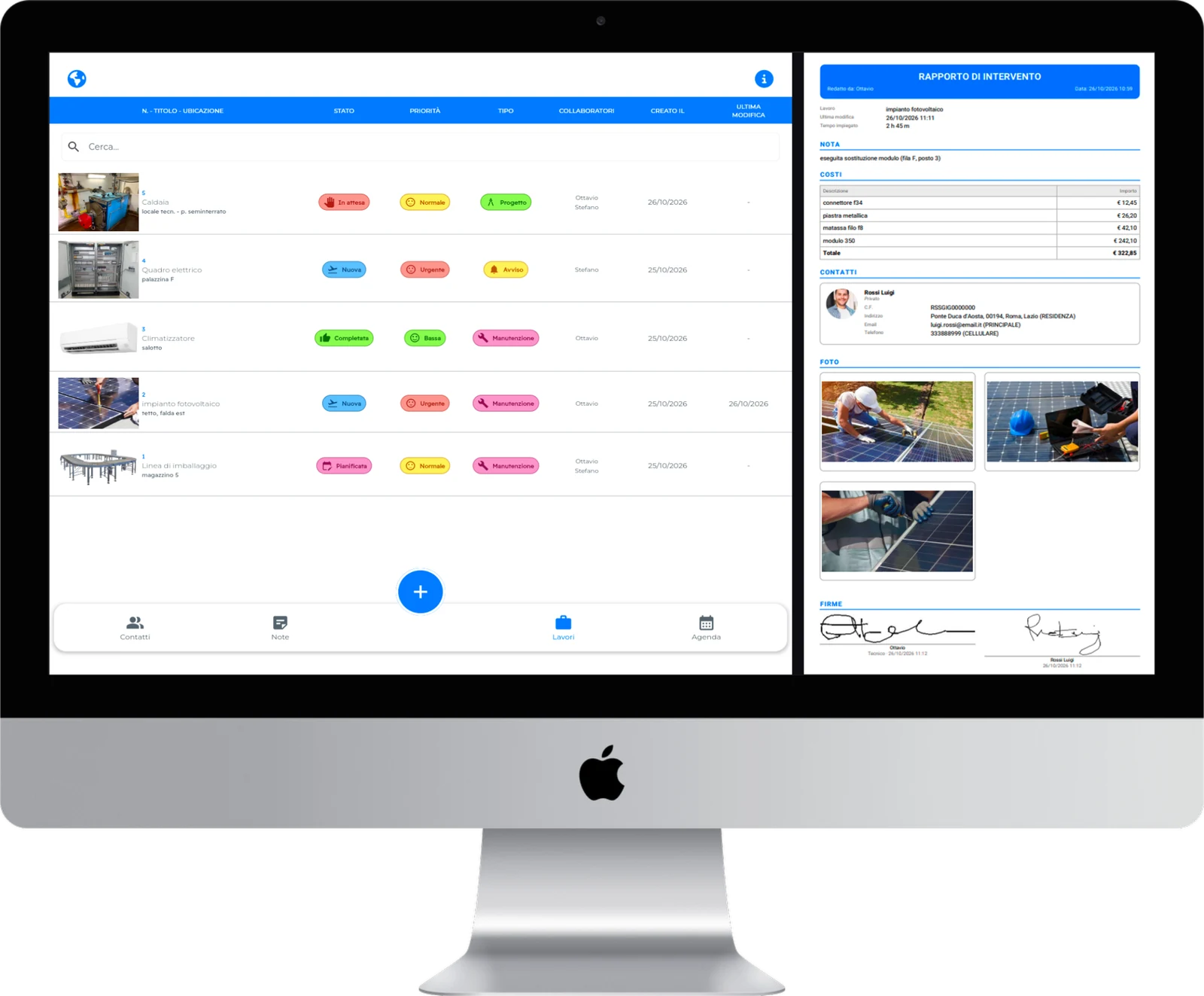
One job from start to finish: notes with photos and costs, customer signature and PDF report.
The video loads from YouTube only when you press play. Website privacy (in Italian)
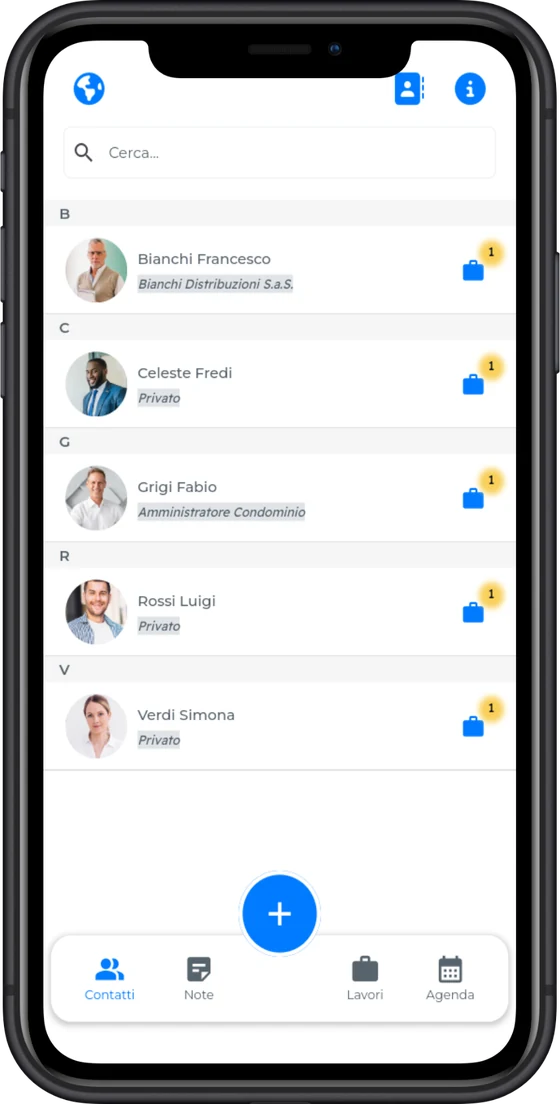
Self-employed technicians, tradespeople and small companies. If your work is made of service visits to record, get signed and report on, Maint Note fits.
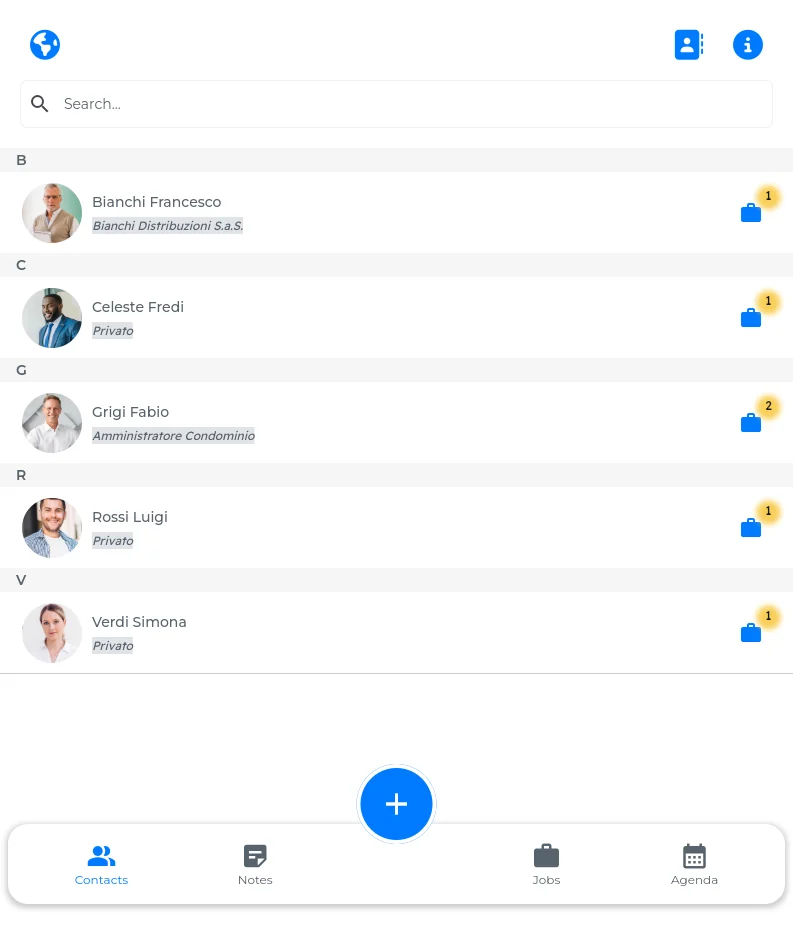
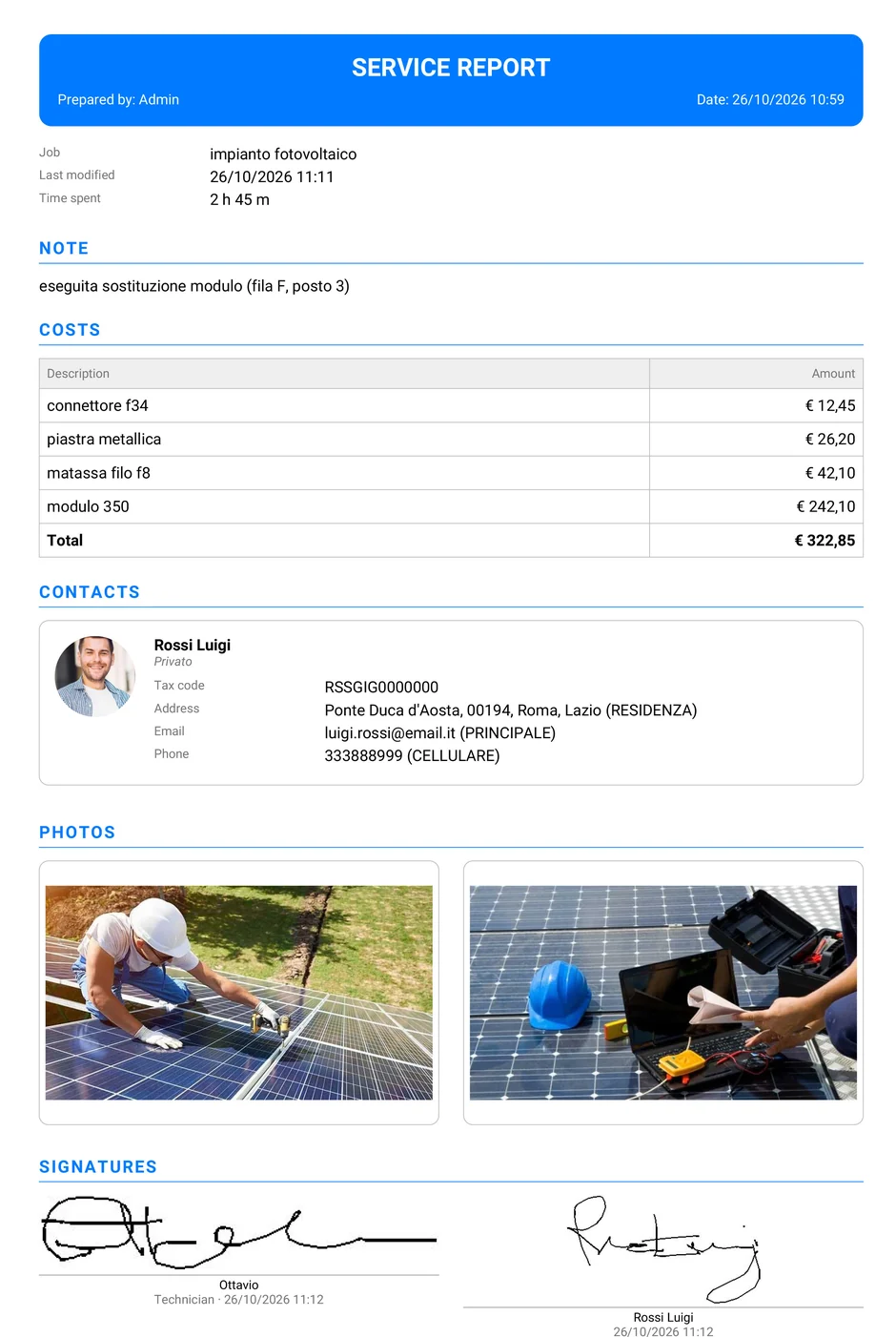
The customer signs on the phone, you sign too, and Maint Note prepares the PDF report with note, costs, photos and contacts. Send it right away, in the customer's language.
The PDF is saved automatically in the job's Reports folder.
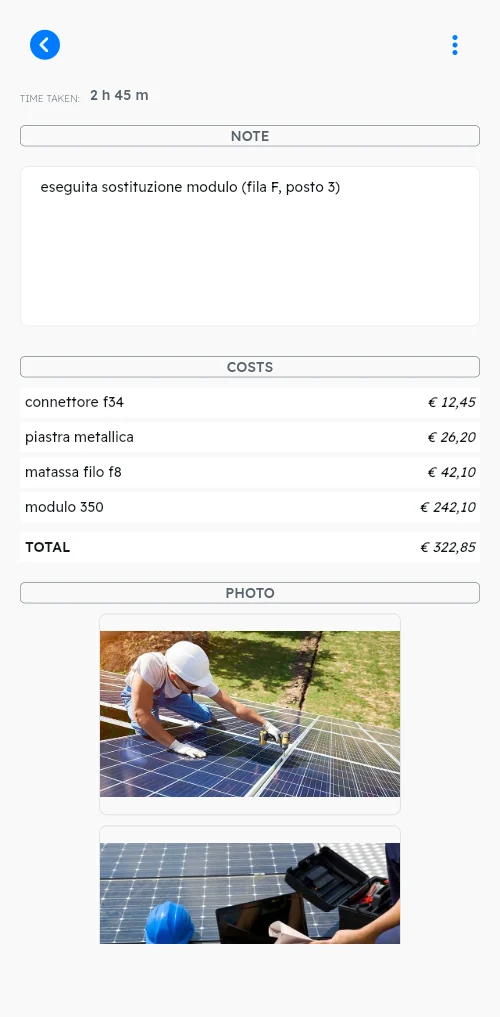
Module replaced (row F, slot 3).
| Connector f34 | €12.45 |
| Metal plate | €26.20 |
| Wire coil f8 | €42.10 |
| Module 350 | €242.10 |
| €322.85 |



One account on iPhone, Android, tablet and browser. What you write at the customer's is already in place when you get back to the office.
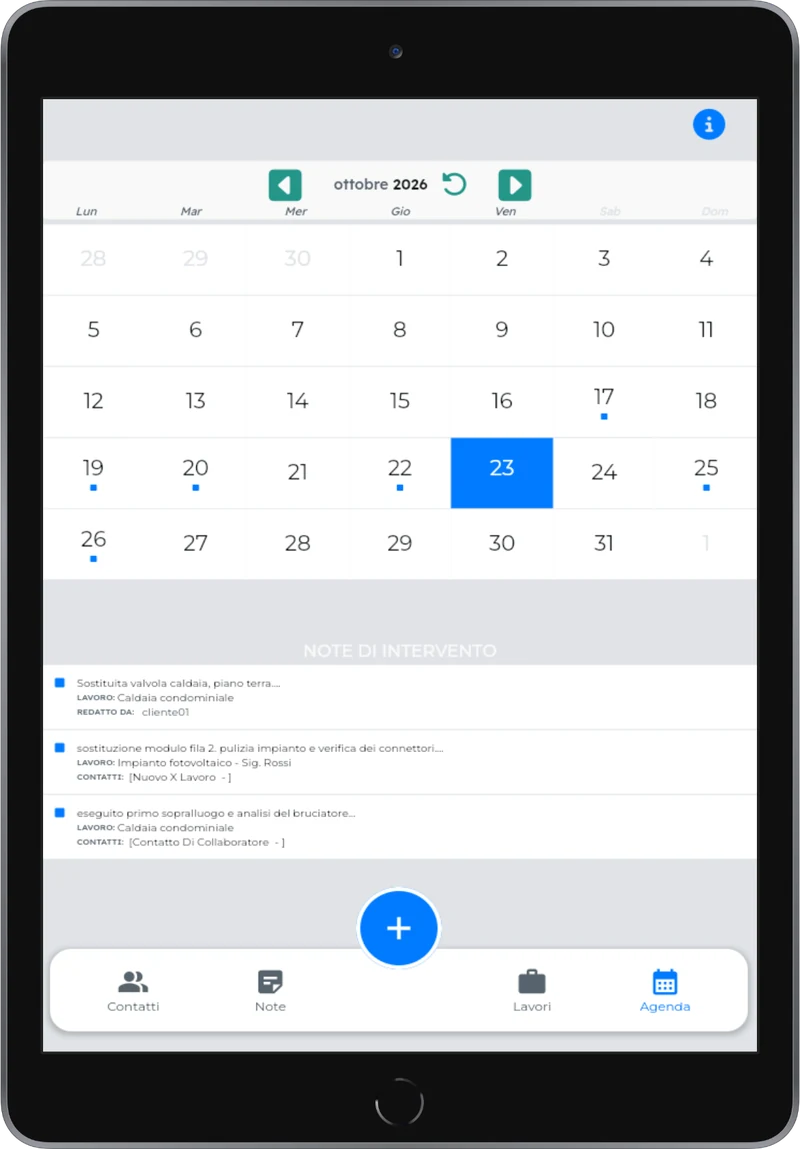
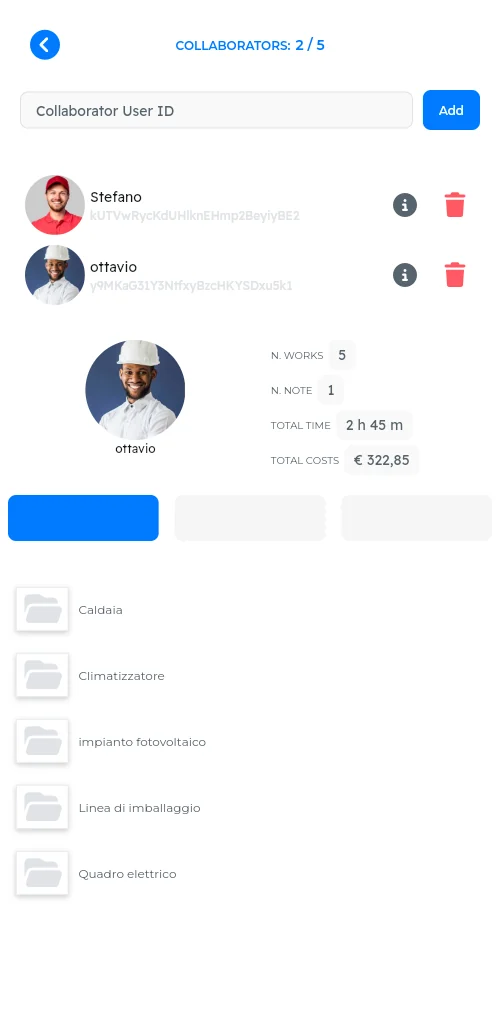
Add team members to your jobs: they write their notes and you find them in the calendar, day by day. They can use the free plan.
Up to 5 team members with Standard, up to 25 with Gold.
Three plans, clear prices | Free€0forever | Standard€4.90€49per month + VATper year + VAT, 2 months free | Gold€19.90€199per month + VATper year + VAT, 2 months free |
|---|---|---|---|
| Storage for photos and documents | 10 MB | 1 GB | 10 GB |
| Team members | None | Up to 5 | Up to 25 |
| Who pays | None | Only the owner | Only the owner |
| Where it works | iPhone, Android, web | iPhone, Android, web | iPhone, Android, web |
| Start for free | Choose Standard | Choose Gold |
Prices exclude VAT: the VAT of your country is calculated at checkout. With yearly billing you pay for 10 months and use 12. You subscribe from the web app and can cancel at any time; cancellation takes effect at the end of the period already paid.
Yes. The Free plan costs €0 and never expires. It includes 10 MB of storage and no team members: when you need more, move to Standard or Gold.
From the web app, at app.maintnote.com, in the subscription section. Payment is handled by Link, the Stripe service, and the subscription also applies to the iPhone and Android apps.
No. Only the owner pays: the team members you add to your jobs can use the free plan. Standard allows up to 5, Gold up to 25.
Italian, English, Spanish, German, French and Portuguese. The text of your notes stays as you wrote it.
Yes: iPhone and iPad, Android phones and tablets, and any browser through the web app. You find the same jobs everywhere.
In the European Union. Jobs, notes and contacts are in the Google Cloud Firestore database in Turin, Italy; photos and documents are on Hetzner servers in Helsinki, Finland.
Yes, from the web app or from link.com. You keep using the plan until the end of the paid period and there are no further charges.
Start in your browser: create your account, open your first job and find it on your phone.